0:41
WATCH / 0:41

Depositing ETH and other crypto to KAST

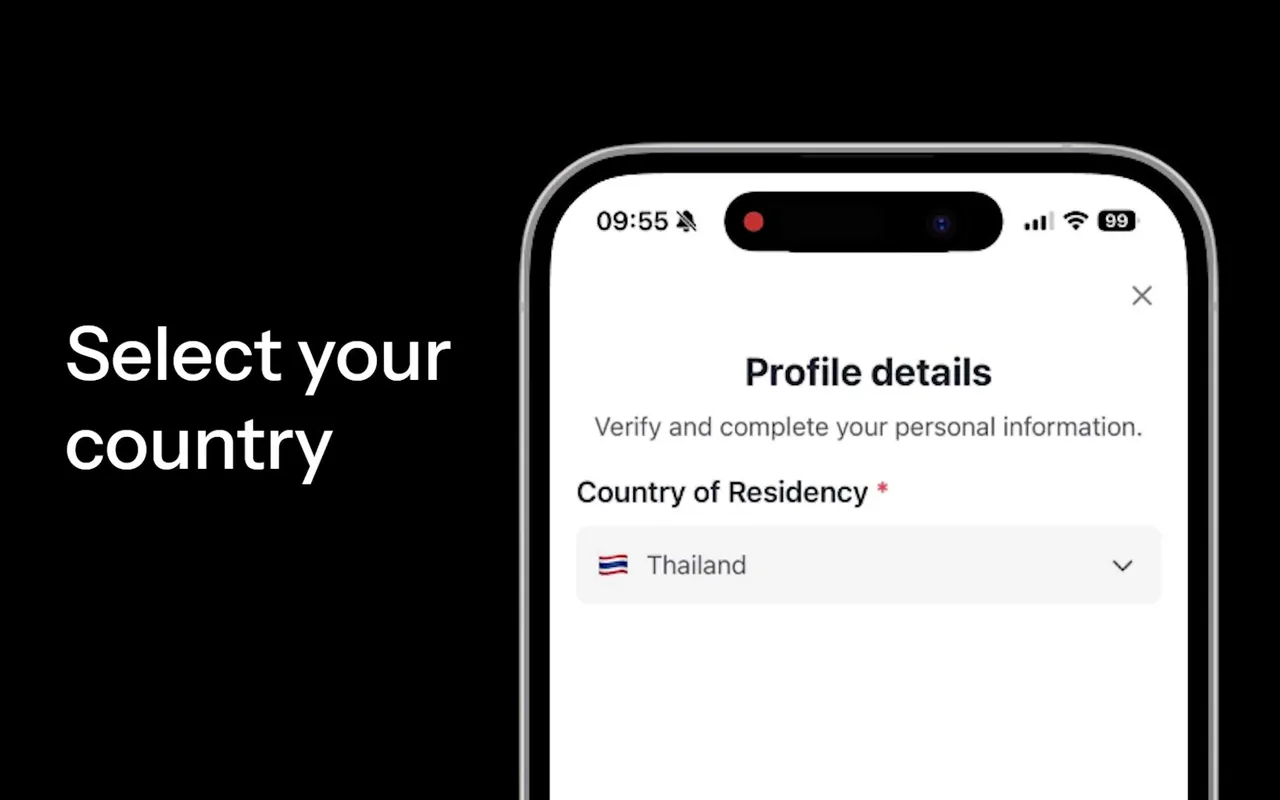
A walkthrough of sending crypto to KAST: open the app, select Crypto, choose an asset such as BTC, ETH, SOL or PENGU, copy the address into your external wallet and confirm. KAST converts it so you can spend it with the card.

LENGTH 0:41
PUBLISHED 2026-05-19
SIZE 1280×720
WHERE THIS VIDEO APPEARS Kast Ethereum Card
NEW TO KAST? Start on the free tier with referral code 6MHGEMGE.
✓Unlimited free virtual cards ✓Up to 8% cashback ✓$20 after your first $100 of card spend ✓10% off a paid membership ✓Free to use; your fees stay the same
What you get with the code →
6MHGEMGE
Start for free with the code →
MORE VIDEOS

More KAST videos

All videos →
KAST sign-up video: choosing the country of residence 0:20
KAST CARD SIGN UP

Kast Card sign up walkthrough

KAST video: how to deposit stablecoins after KYC 0:31
KAST CARD SIGN UP

How to make your first KAST deposit

KAST app: receive USDC on the Solana network to fund the card from Phantom 0:37
KAST SOLANA CARD

Fund your KAST card from Phantom with USDC on Solana

KAST video: receive USDT on BNB Chain 0:16
KAST BNB CHAIN CARD

How to deposit USDT on BNB Chain to KAST

↑