
Kast Card sign up, explained: who can join, KYC, timing and cost
Kast Card sign up is free and happens entirely in the KAST app. You need a phone and a photo ID, and the forms take a few minutes. The ID check usually clears in under 15 minutes, and the virtual card is ready the moment it does.
Where do you sign up for a Kast Card?
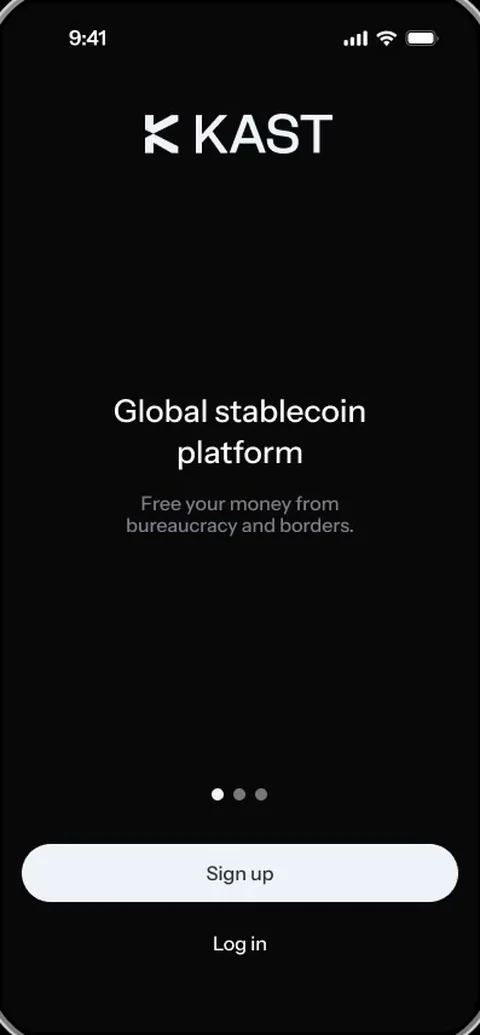
You sign up for a Kast Card in the KAST mobile app, on iPhone or Android. The account, the ID check, the selfie and the card itself all happen on the phone, so there is no branch to visit and nothing to post.
The simplest start is the referral link, app.kast.xyz/
Who can sign up for KAST?
Anyone 18 or older who lives in a supported country can sign up for KAST. That covers almost everywhere. KAST leaves out countries under sanctions, such as Russia, Iran, North Korea, Syria and Cuba, and the country list in the verification step has the final word. Our supported countries page goes through it.
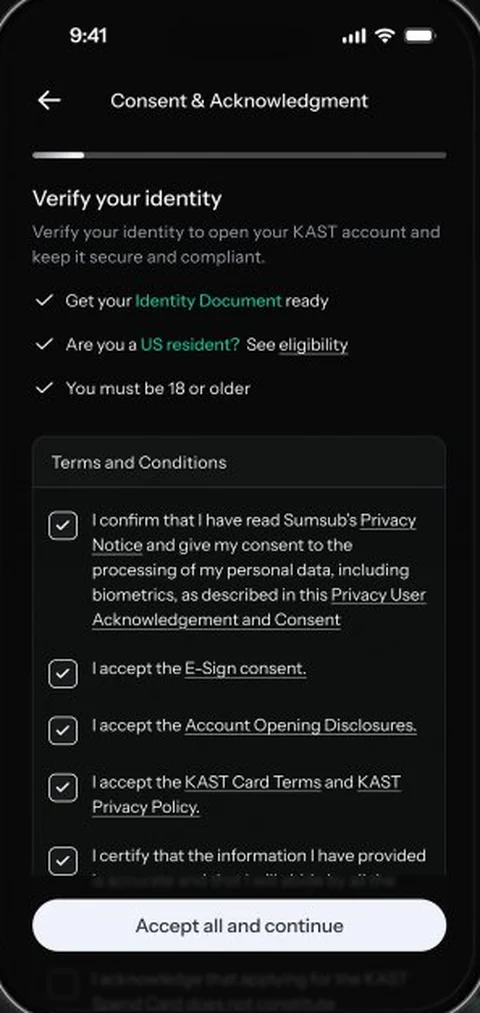
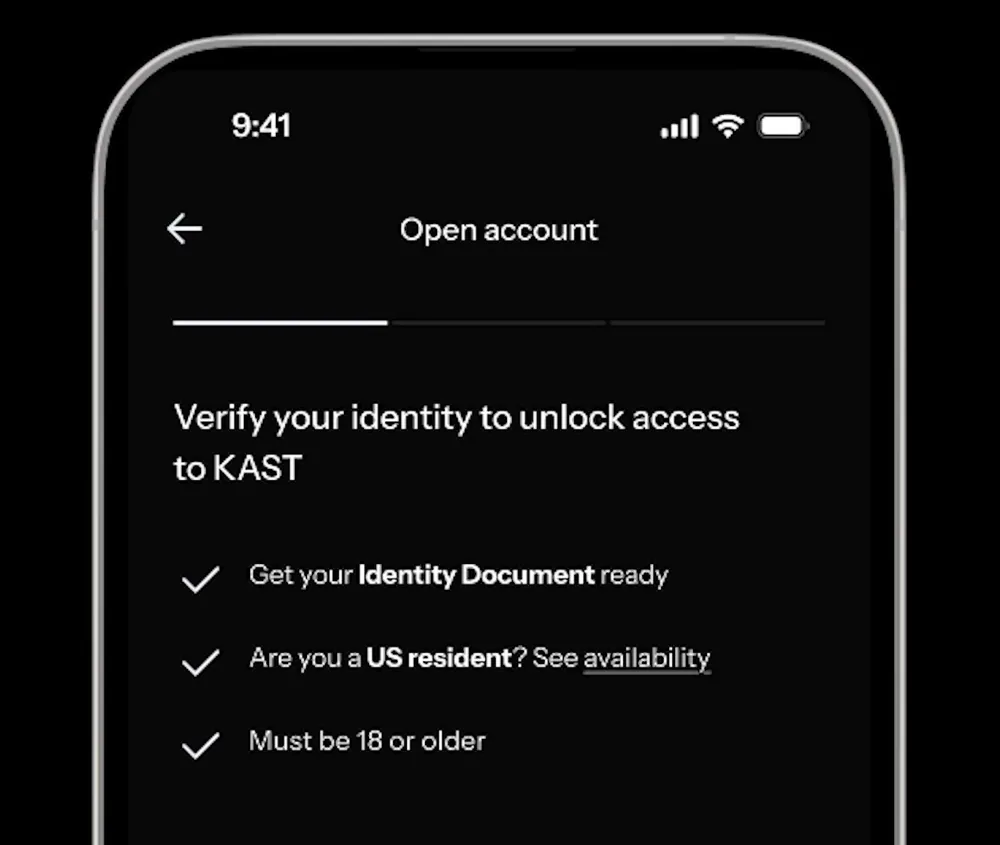
The ID matters as much as the address: an ID issued by a restricted country can fail the check even if you live somewhere else, although a dual citizen can use a passport from a supported country. US residents also get their own eligibility link on the very first verification screen.
How do you create a KAST account?
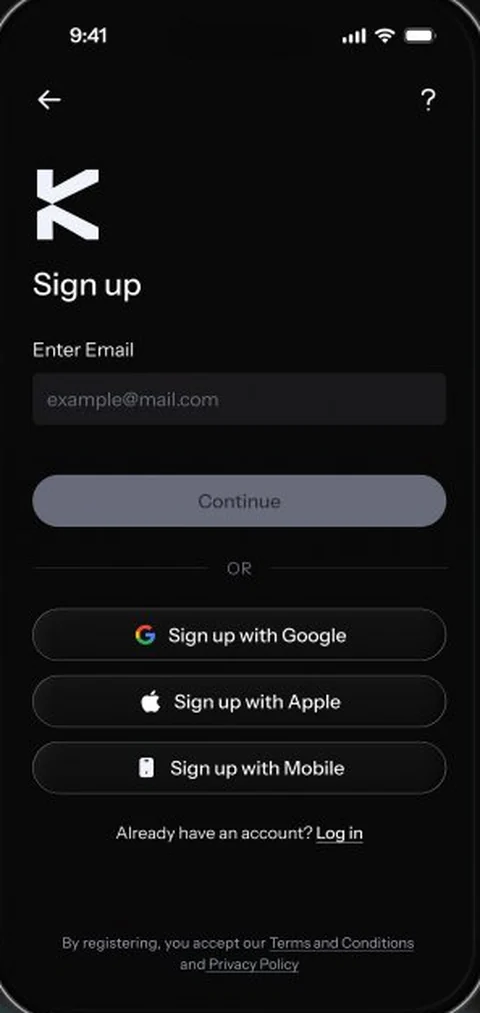
You create a KAST account with an email address, or with Google, Apple or a mobile number. Whichever you pick, KAST sends a one-time code to prove it is yours.
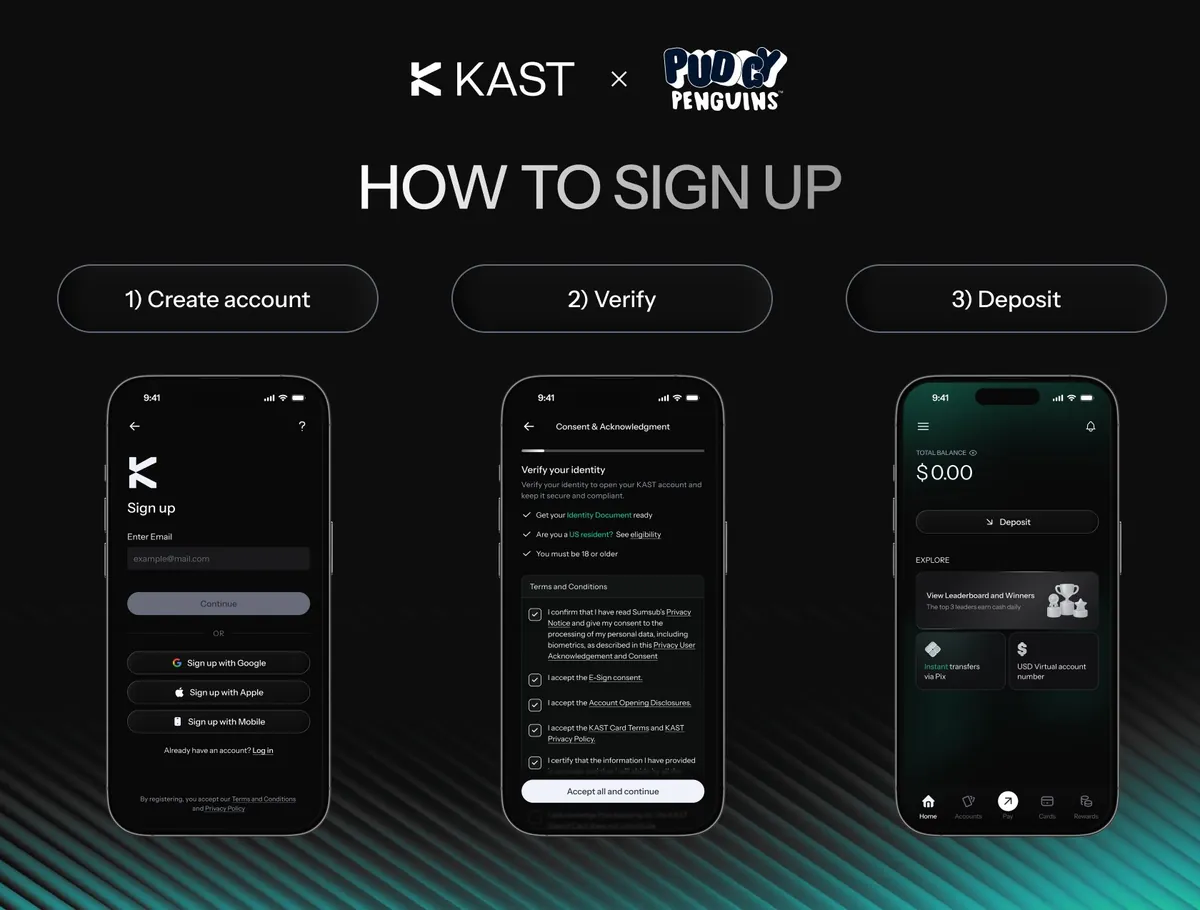
KAST's 2025 walkthrough starts with a phone number. The 2026 screens put email first and offer Google, Apple and Mobile as buttons underneath. Both routes end in the same place: a short verification flow, then a deposit.
How does KAST identity verification work?
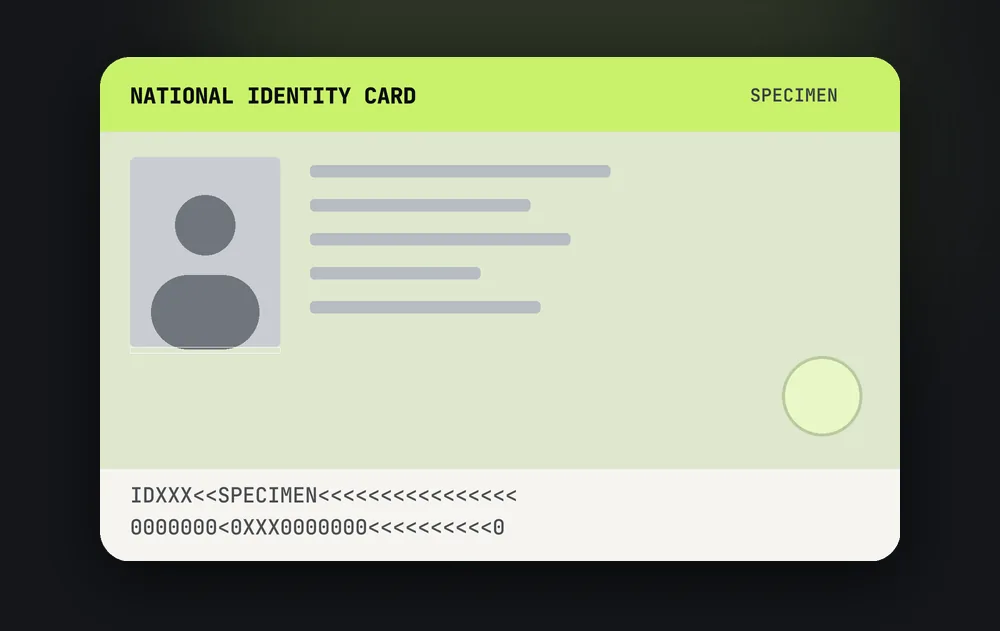
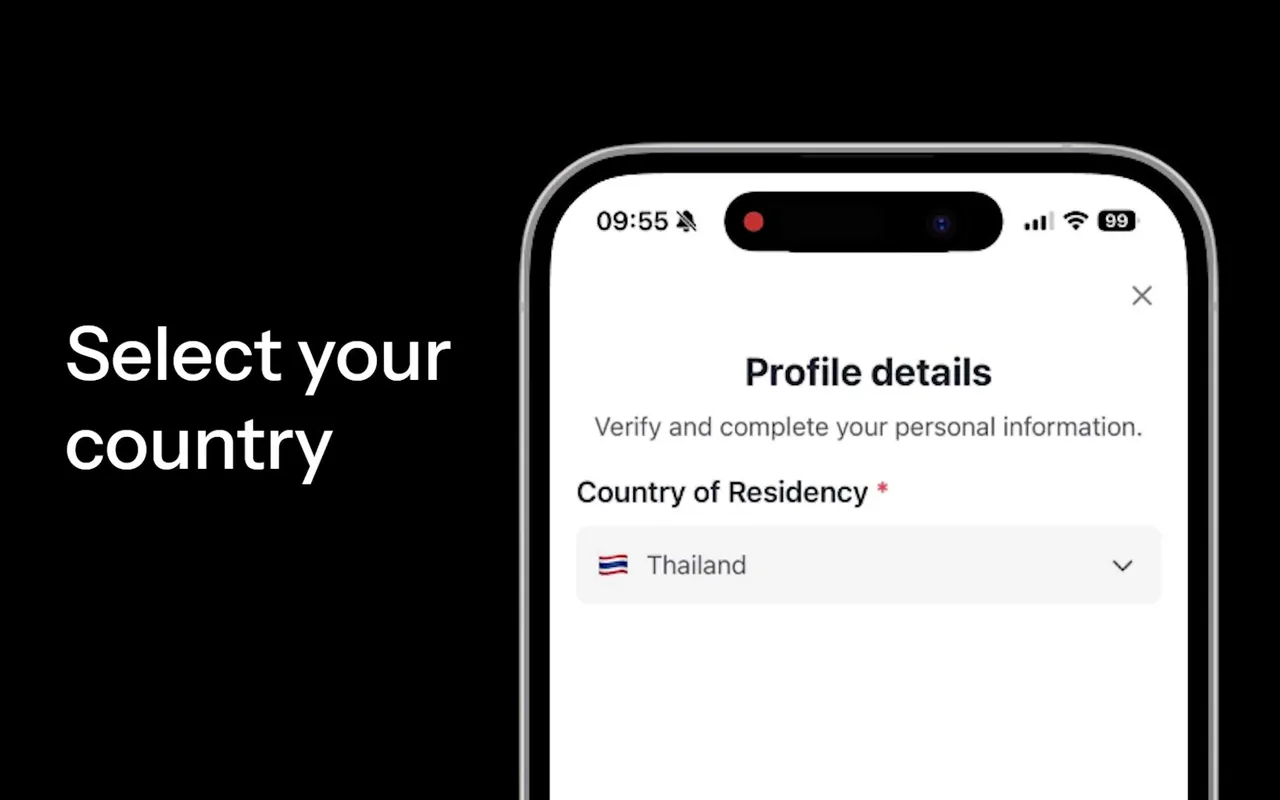
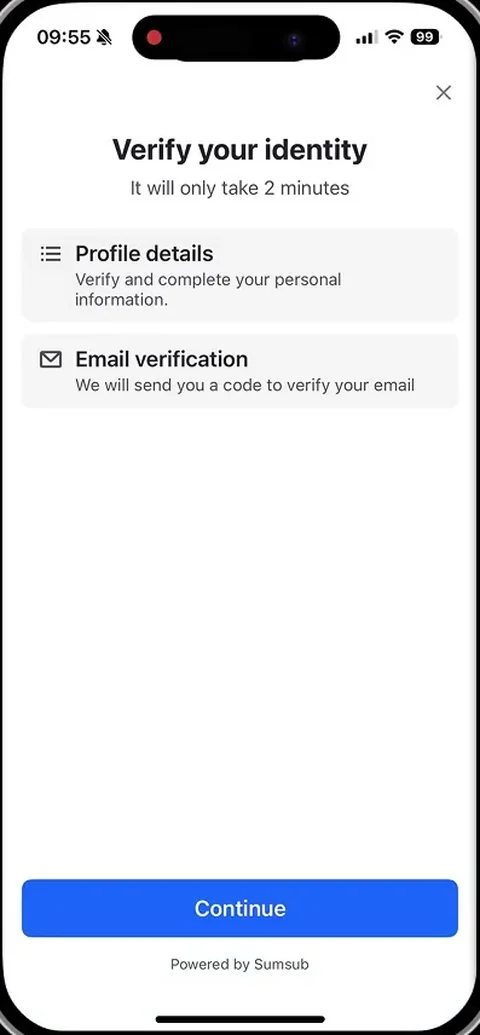
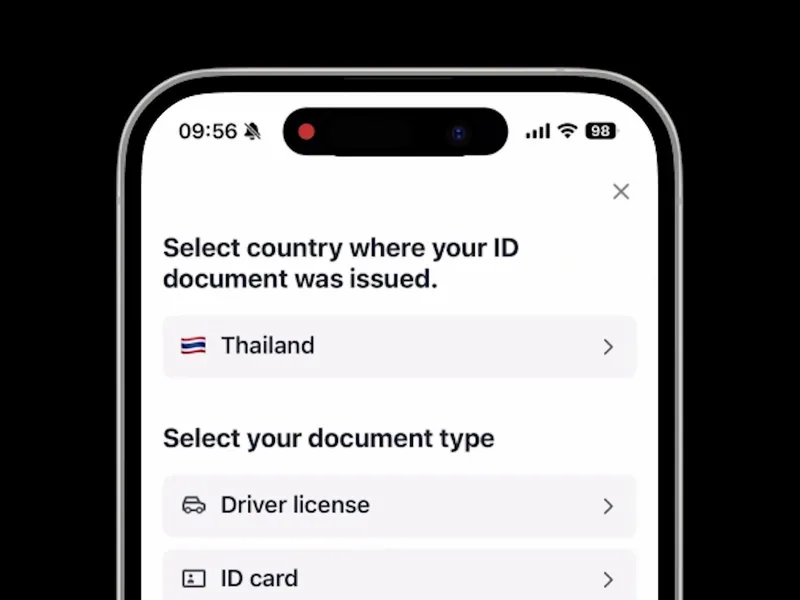
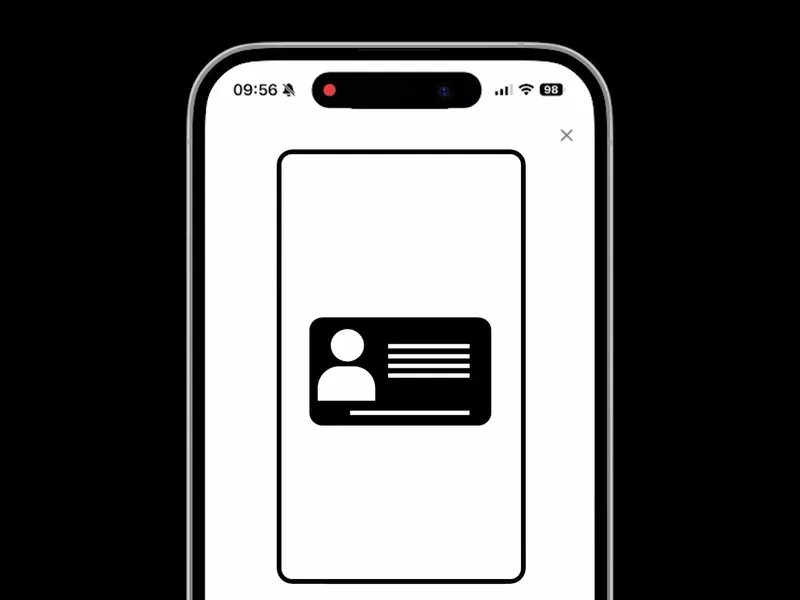
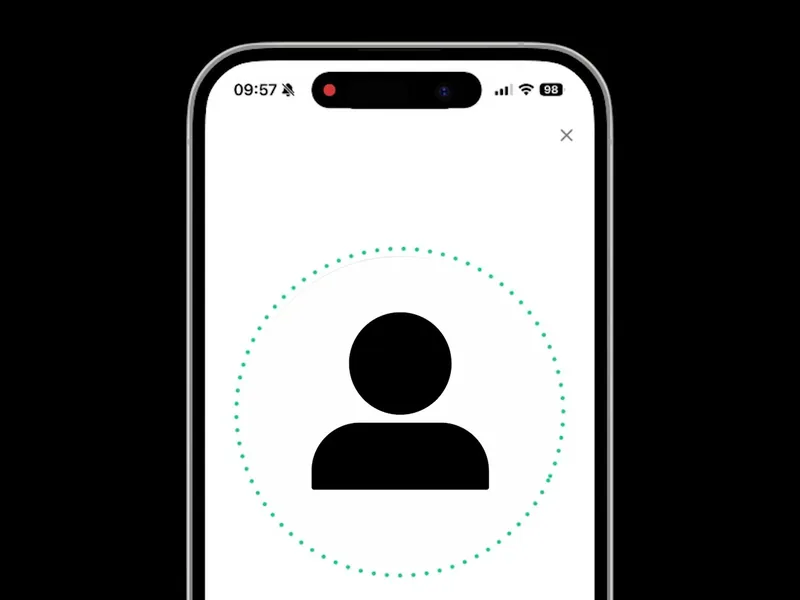
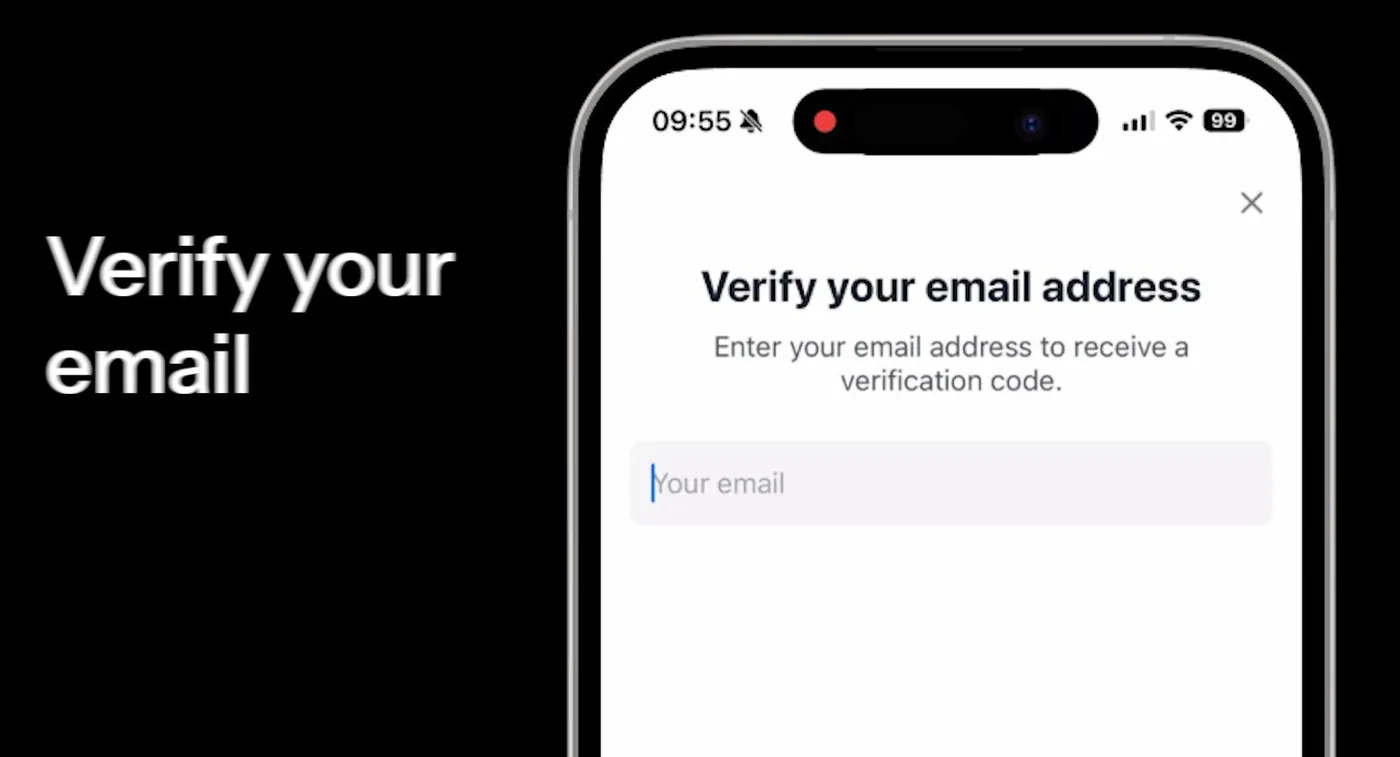
KAST identity verification is a short in-app check run by Sumsub. KAST's screen says it takes about two minutes, which is fair if your ID is within reach. You confirm your profile details, verify your email with a code, pick the country that issued your ID and the document type, photograph the document and take a live selfie.
A passport, national ID card or driver's licence all work. That level of verification covers the card and transfers. Higher levels can ask for proof of address from the last three months, or for proof of where your funds come from. Documents, photo tips and fixes for a failed check are on our Kast Card KYC page.
How long does Kast Card sign up take?
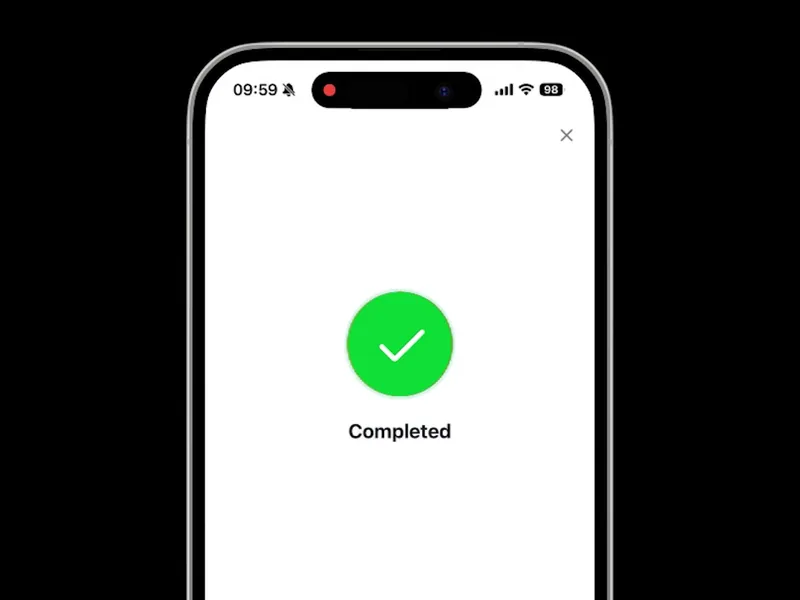
Kast Card sign up takes a few minutes of your time, plus the wait for the ID check. Automated checks clear in 5 to 15 minutes. If a person has to look at your documents, expect 1 to 3 business days.
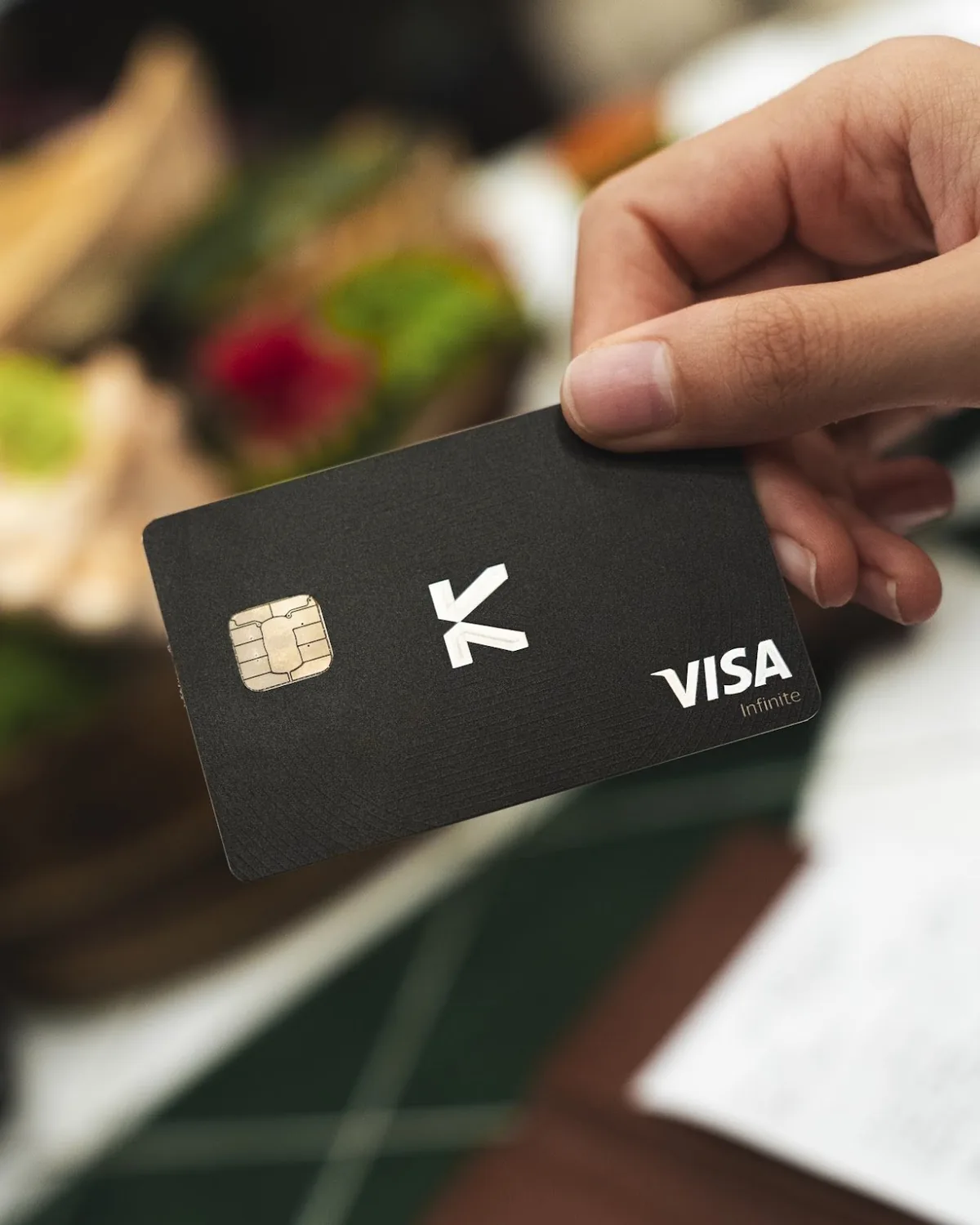
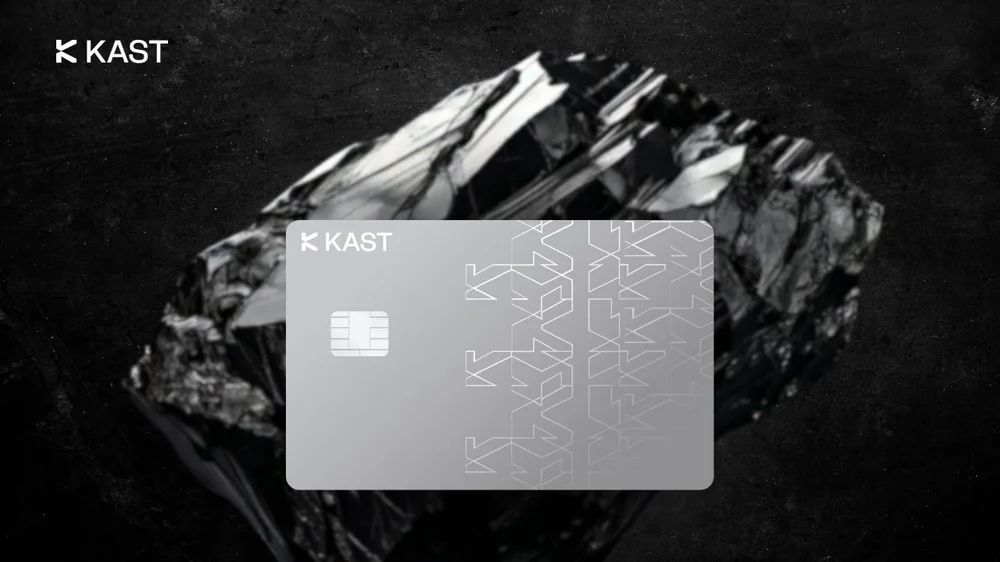
The Kast Virtual Card is issued as soon as you are approved, so you can pay online or through Apple Pay and Google Pay the same day. A physical card takes longer: usually 7 to 10 business days, or 7 to 21 for international delivery.
Is Kast Card sign up free?
Kast Card sign up is free, and so is the Standard tier: no annual fee and unlimited free virtual cards. Depositing USDC or USDT costs nothing beyond network gas, and card payments in US dollars carry no fee.
The only early cost is optional. A physical Standard card is free, but delivery is $40. Premium ($1,000 a year) and Private ($10,000) include their metal and gold-plated cards, and the referral code takes 10% off the first year. Every charge is listed on our Kast Card fees page.

How do you fund KAST after sign-up?
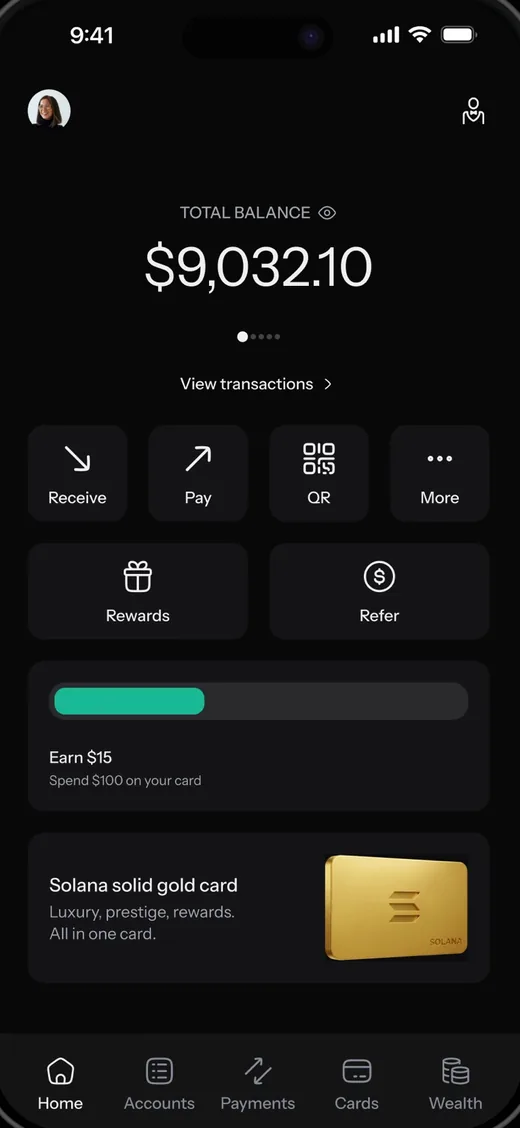
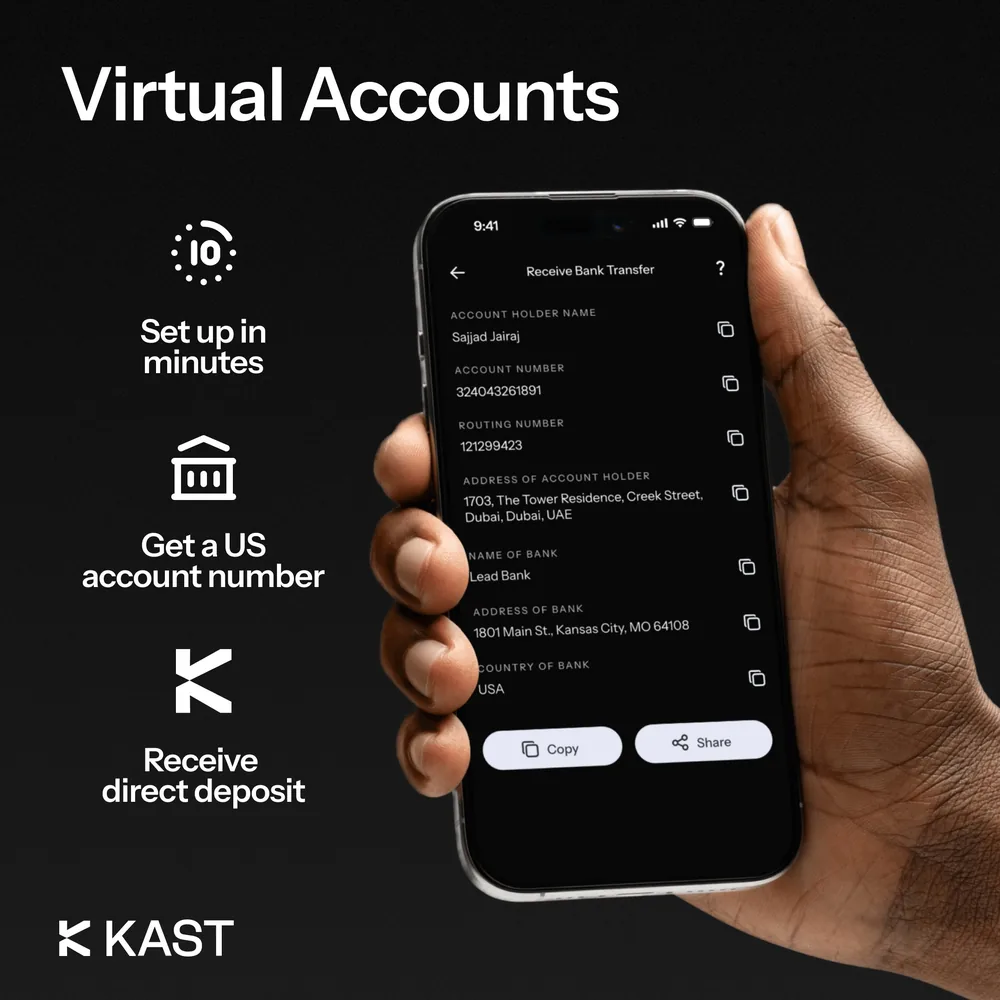
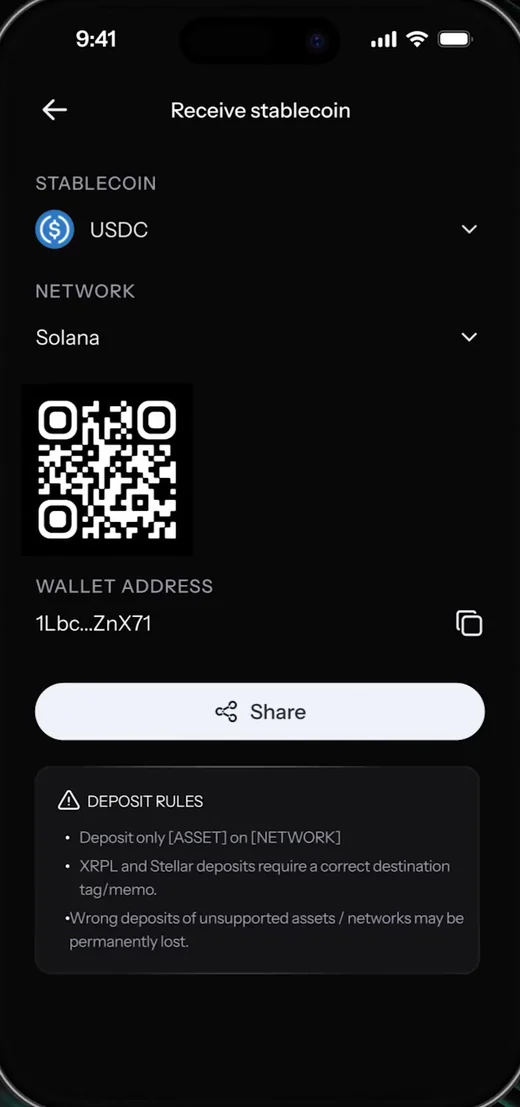
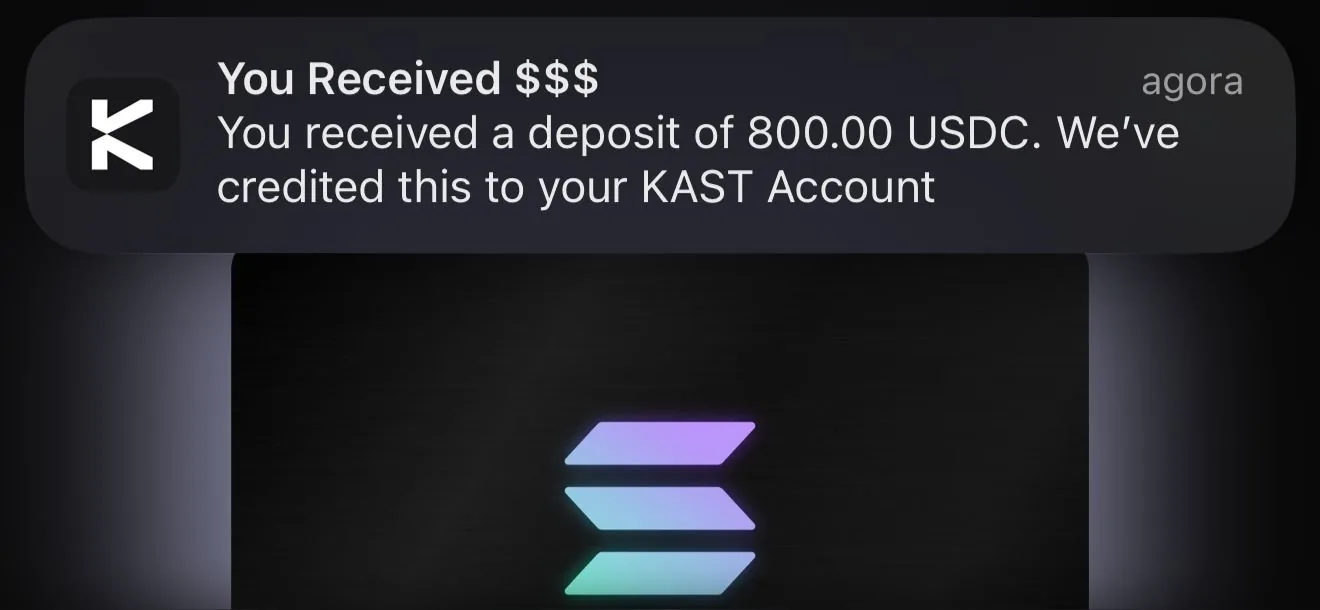
You fund a new KAST account by sending stablecoins to your deposit address. Tap Receive, choose Stablecoin, pick the coin and the network, then paste the address into the wallet or exchange you are sending from. USDC, USDT, PYUSD and a few others are on the list, and supported stablecoins arrive with no KAST fee.
Solana tends to be the quickest and cheapest route; our Kast Solana Card page walks through a deposit from Phantom. Other coins such as BTC or ETH work too, but KAST converts them for a fee of roughly 2% to 5%.
What should you set up right after signing up?
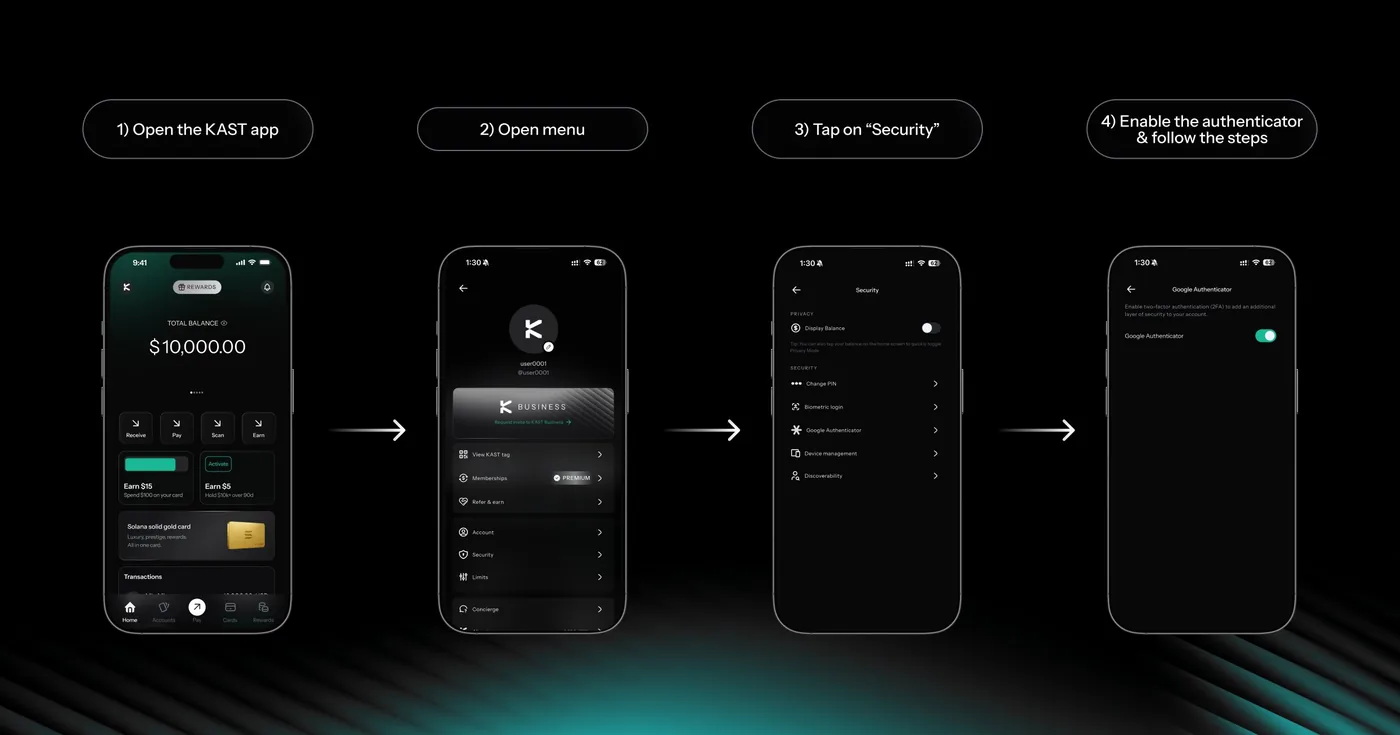
Two-factor authentication is the first thing to set up after signing up. Logging in already uses one-time codes by SMS and email; an authenticator app adds a second lock. Open the menu, tap Security and turn the authenticator on.
While you are in there, switch on biometric login and set transaction verification limits. Any transfer or card payment above the amount you choose then needs an extra confirmation, which is a cheap safeguard if your phone ever goes missing.
Kast Card sign up referral code: 6MHGEMGE
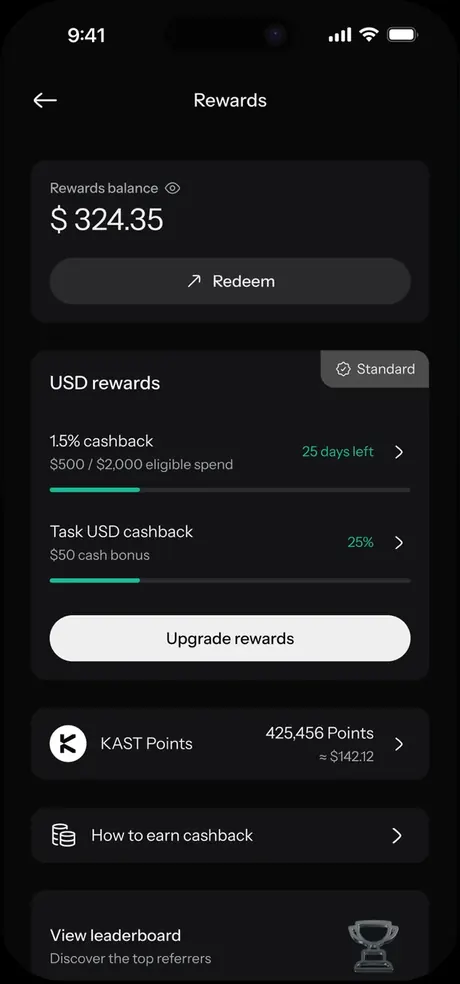
The referral code for Kast Card sign up is 6MHGEMGE. It is optional and free: your fees stay the same, and you get $20 after your first $100 of card spend plus 10% off a paid membership. Amounts can vary by country and campaign, and the Rewards tab shows what is live for you.
If you missed it during sign-up, you can still add it under Profile, Account, Referred by, then + Add Code, as long as you haven't reached the spending milestones. The safest moment is before your first card payment.
How the rewards are paid out is covered on our KAST referral code page.
Information only, not financial advice. This site is independent and not operated by KAST, and this page explains sign-up; you create your account in the KAST app. Based on KAST's sign-up, verification and deposit screens shared on X and the KAST Concierge help articles, checked Oct 2026. Images: KAST on X.