
KAST app download, explained: iPhone, Android and avoiding fakes
The KAST app download is free on the App Store and Google Play, where the app is listed as KAST: Global USD Account. It needs iOS 15.5 or Android 10 and takes a few minutes to set up. You can't open a KAST account any other way.
What does the KAST app do?
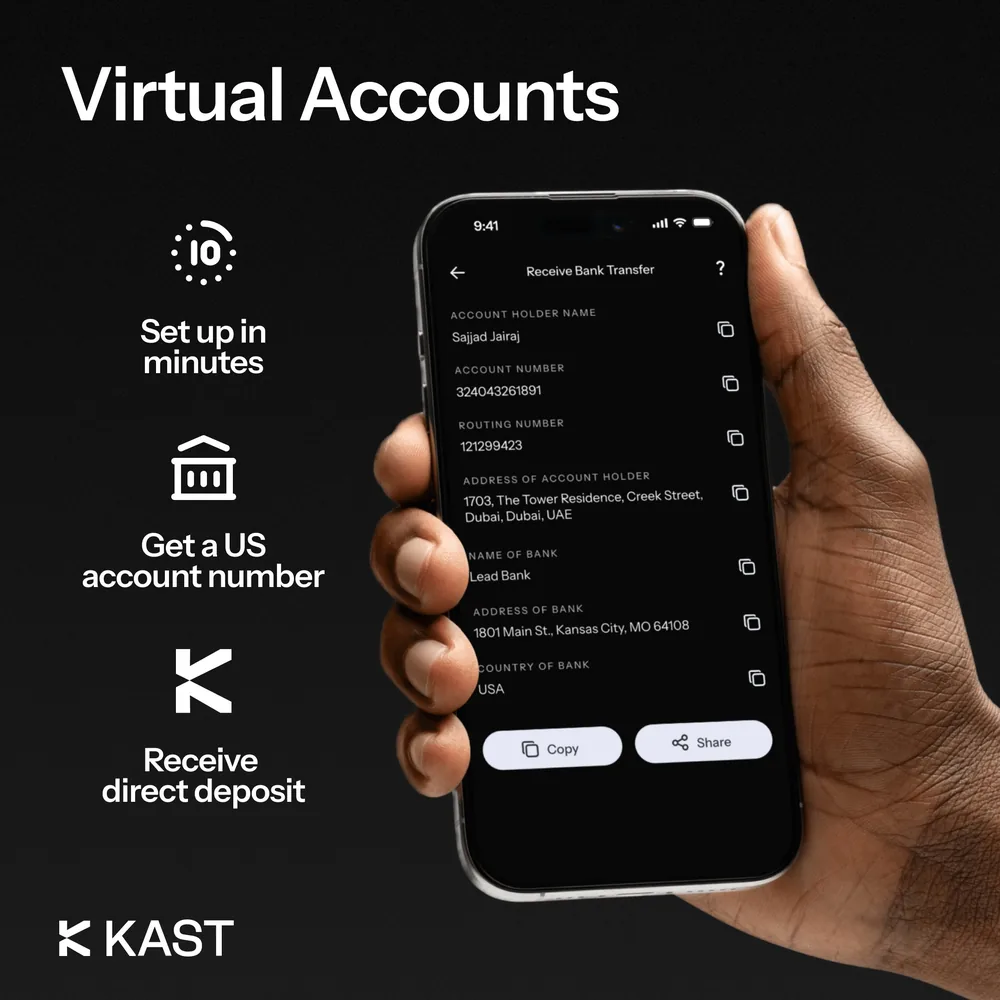
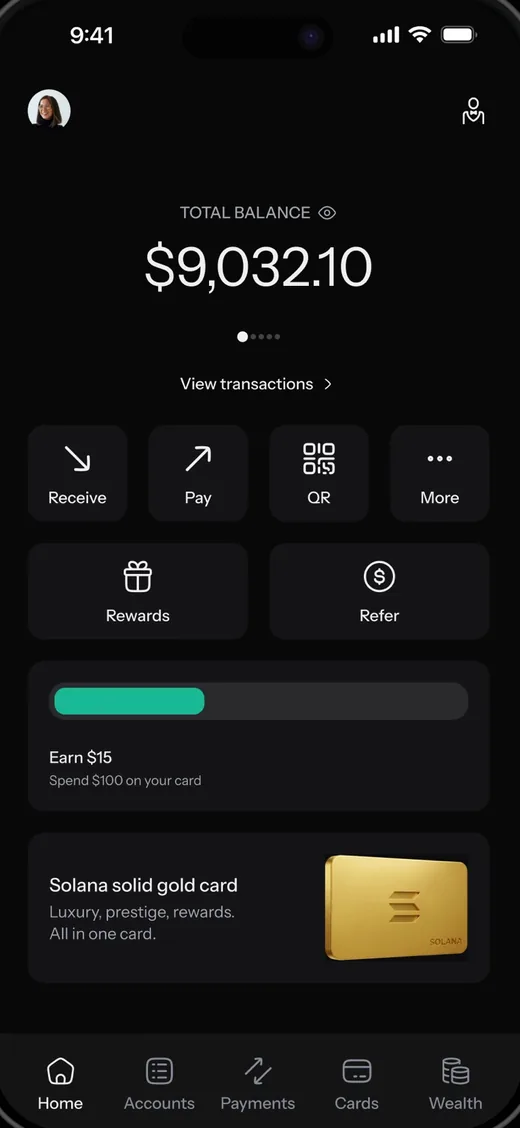
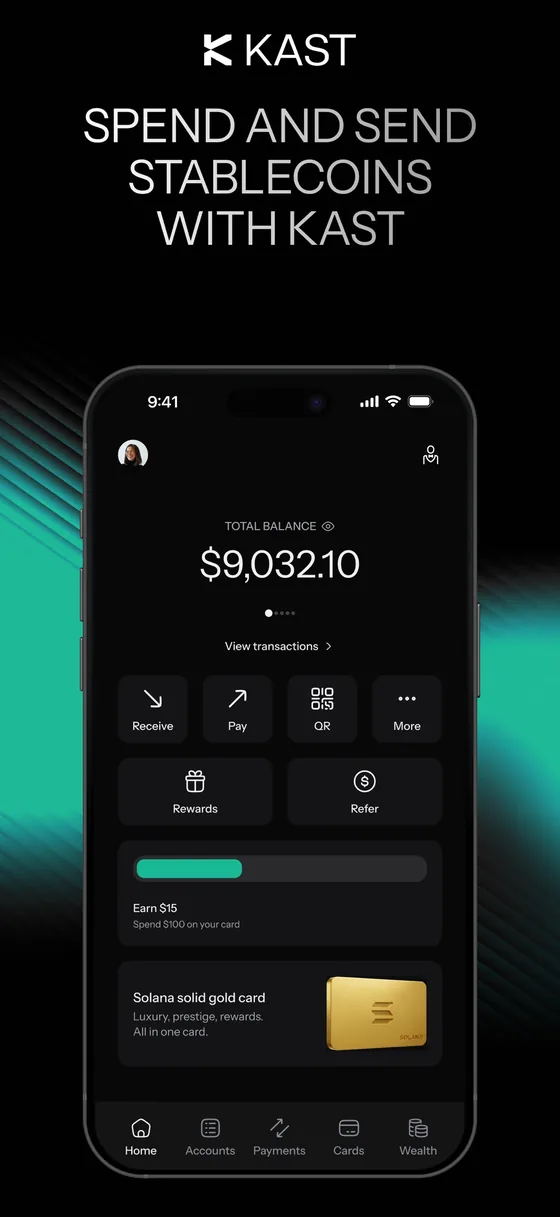
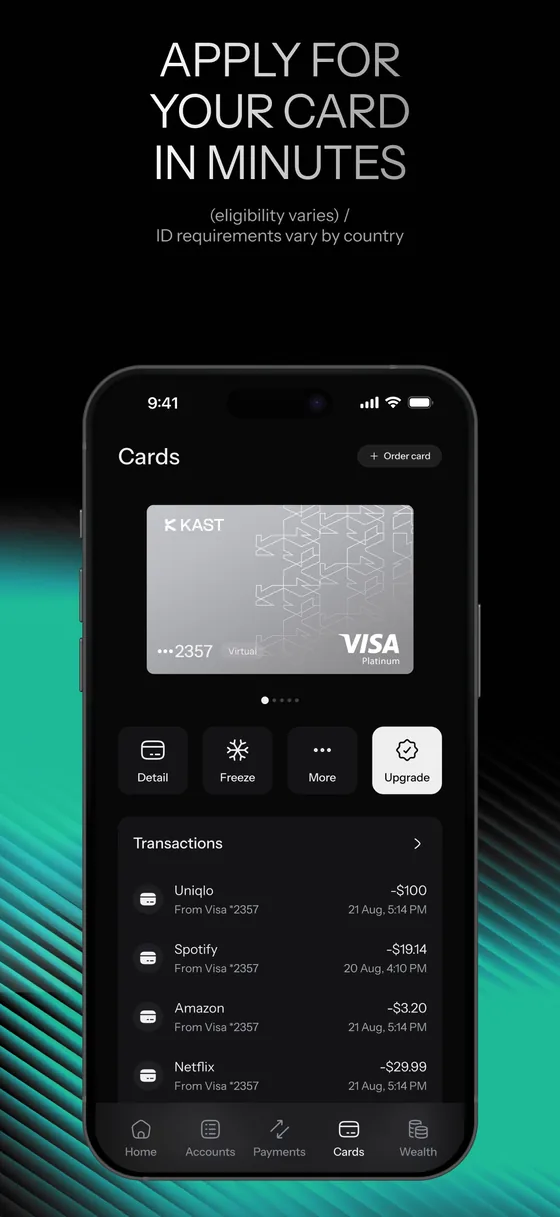
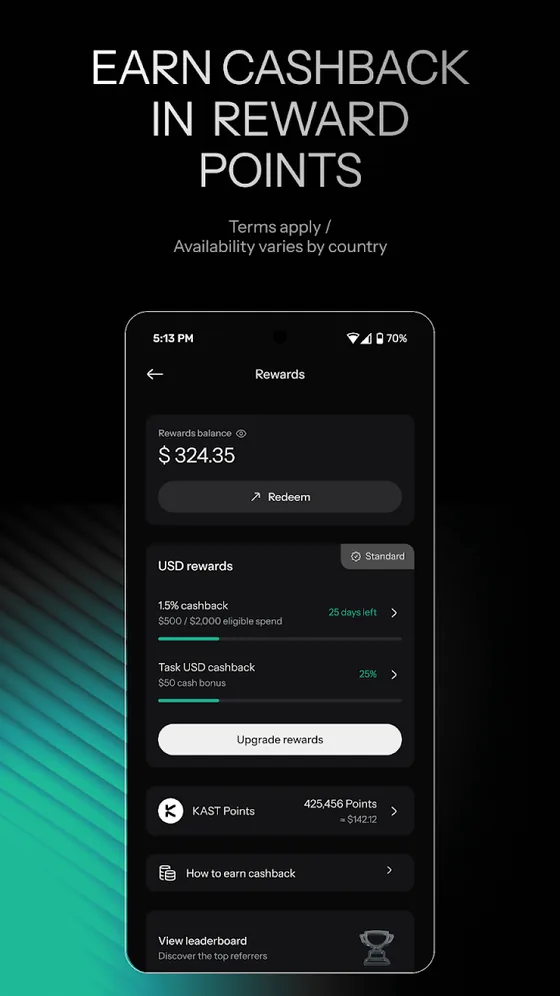
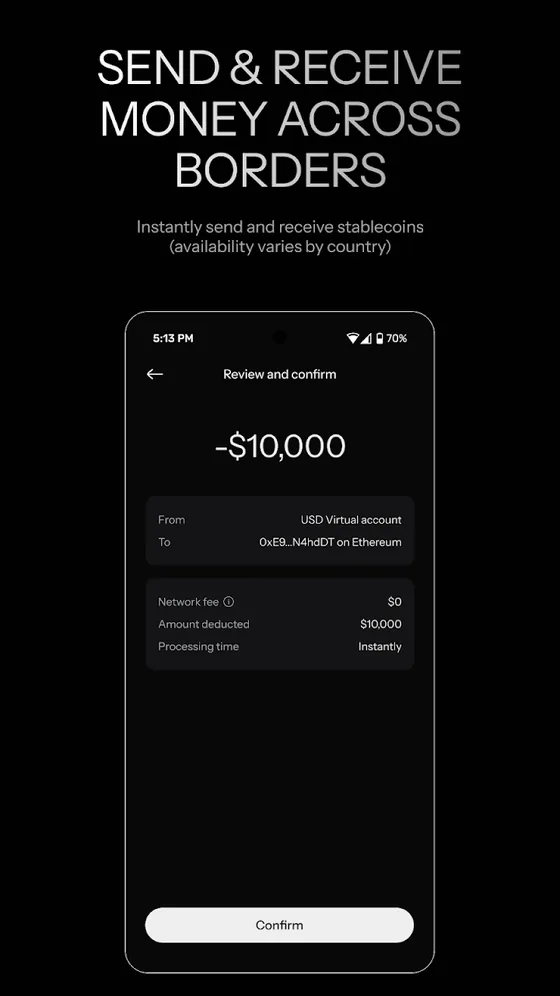
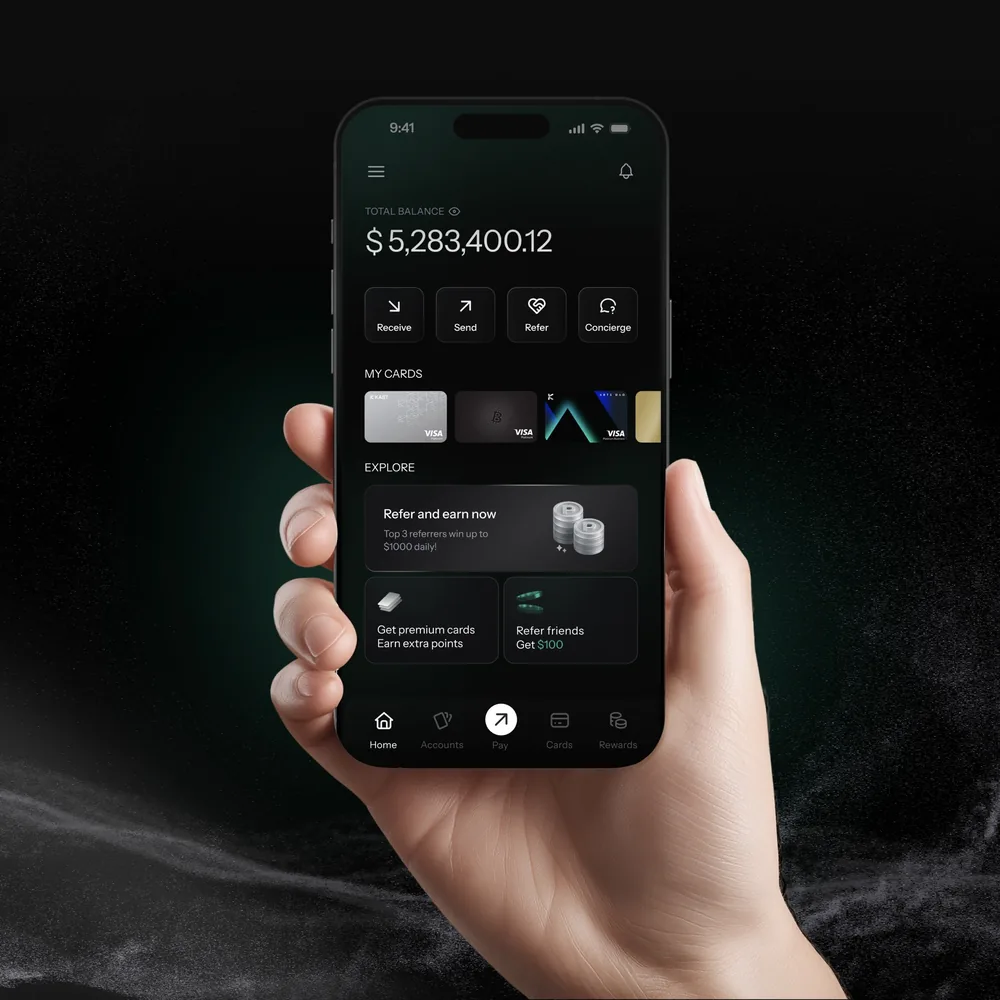
The KAST app is a US dollar account and a Visa card in one place. It holds your balance, shows your deposit addresses for stablecoins, issues your Kast Virtual Card in minutes, and lets you freeze the card, set limits, order a physical card and send money with KAST Pay.
There is no desktop version for managing the account; everything runs on your phone. You also can't use any of it until you verify your identity, so the download is step one of a short sign-up.
How to download KAST on iPhone
You download KAST on iPhone from the App Store. Search for KAST, open KAST: Global USD Account and check two things before tapping Get: the developer reads Troia Limited, the company that publishes KAST's apps, and the developer website is kast.xyz.
The app needs iOS 15.5 or later, is rated 4+, and is a download of roughly 470 MB, so Wi-Fi helps. The App Store button on this page goes through our referral link, which opens the same listing with code 6MHGEMGE attached.
How to download KAST on Android
You download KAST on Android from Google Play. The listing is the same KAST: Global USD Account, with KAST as the developer and Troia Limited and [email protected] under About the developer. It has more than 500,000 downloads, and our Kast Card Review compares its store ratings with Trustpilot and Reddit.
Your phone needs Android 10 or later. Google Play Protect scans the app as it installs; leave it on, and keep the "Install unknown apps" permission off for your browser and messaging apps so nothing slips in from outside the store.
Why you should skip KAST APK files
A KAST APK file is never the safe option. KAST's own sign-up instructions point Android users to Google Play, and an APK from a download site, a Telegram group or an ad skips the checks Google runs on every store app.
That matters more for a money app than for a game. A repackaged copy can look identical while recording your PIN, reading the codes sent to your phone or showing a fake login screen. If an "unlocked" or "pro" KAST version is on offer anywhere, that alone tells you it isn't real.
How to check you have the real KAST app
The real KAST app is the one called KAST: Global USD Account in the App Store or Google Play, published by Troia Limited or KAST and linking to kast.xyz. For anything outside the stores (a website, an email address or a social media account), KAST runs its own checker at verify.kast.xyz: paste it in, and if it doesn't come back verified, treat it as fake.
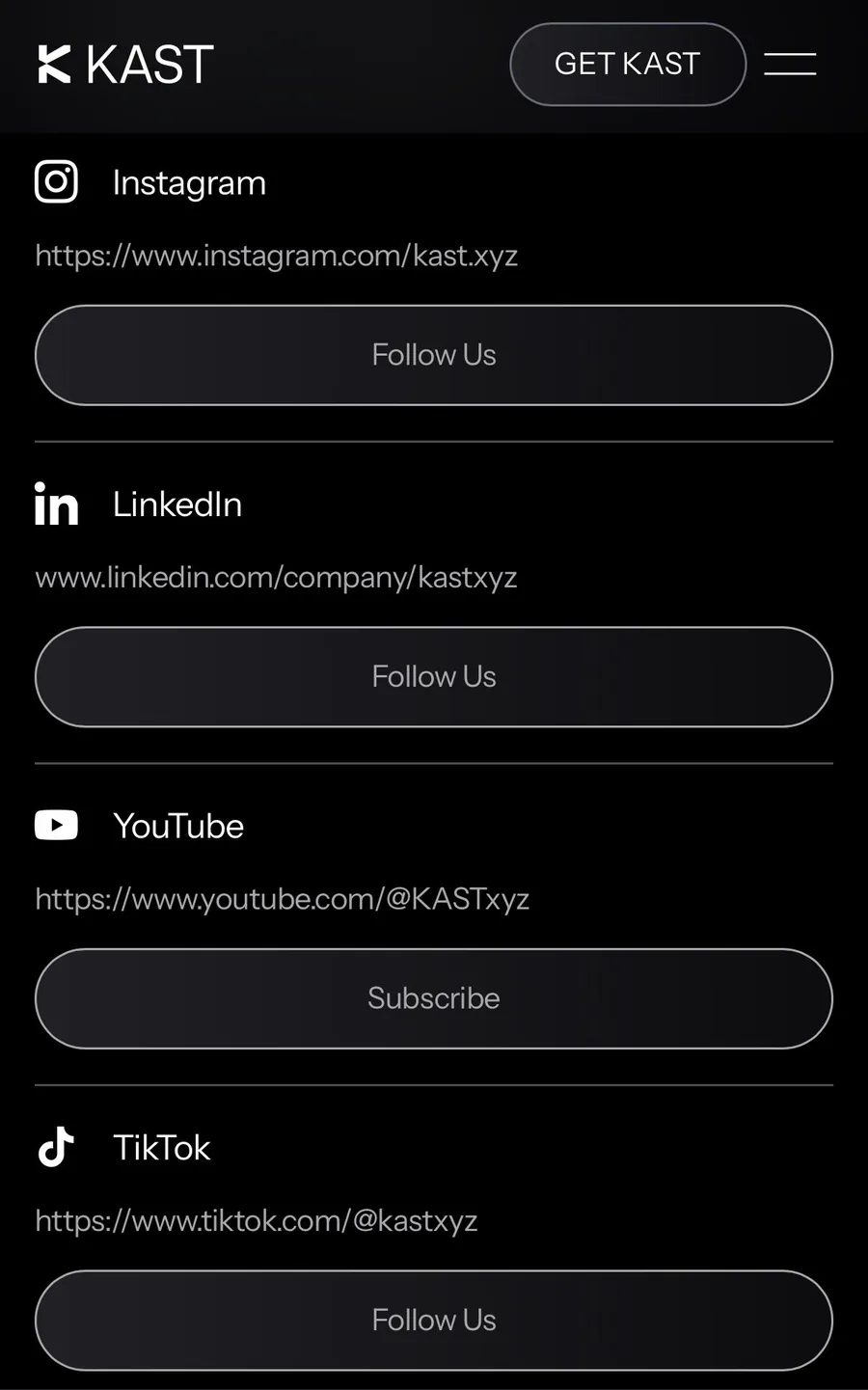
KAST never asks for your password, private keys or recovery phrase, whoever claims to be writing on its behalf. It also never asks you to send money to verify your account or unlock a withdrawal, or for a login code in a message you didn't expect.
What happens the first time you open KAST
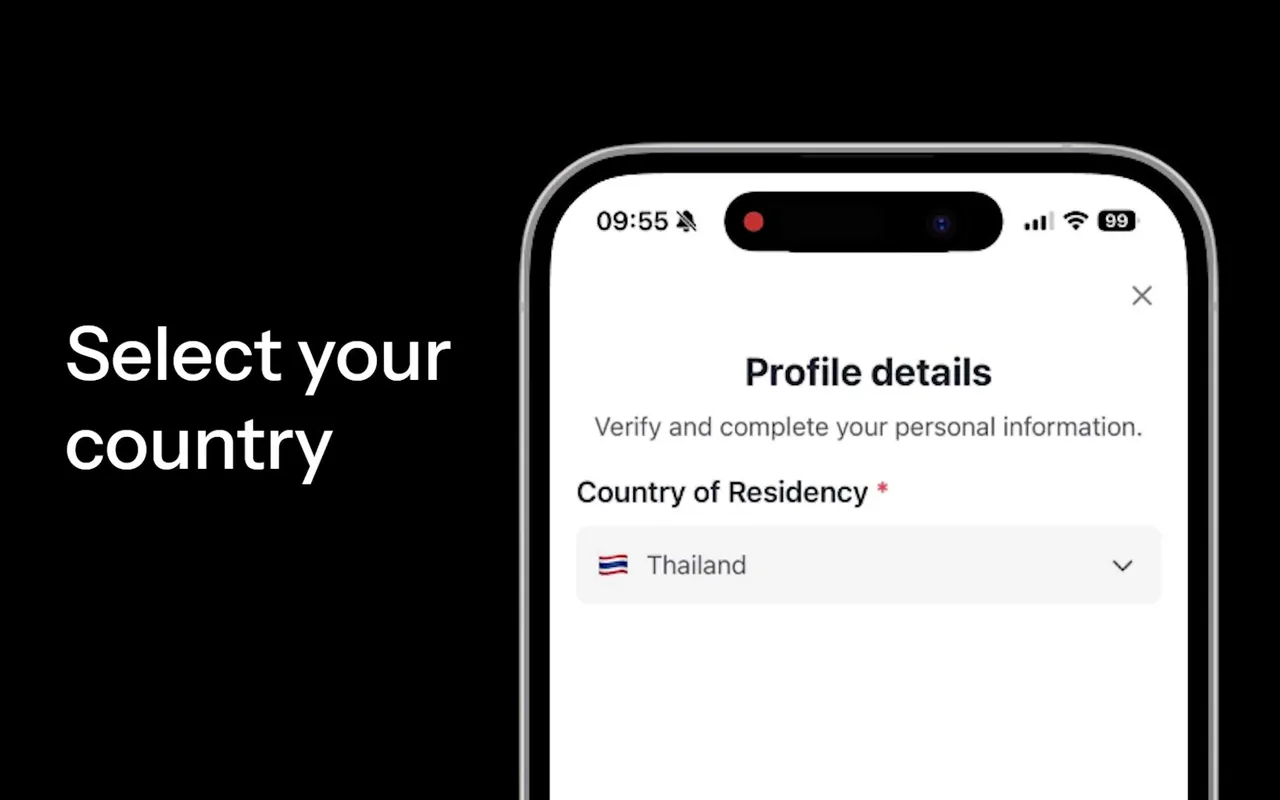
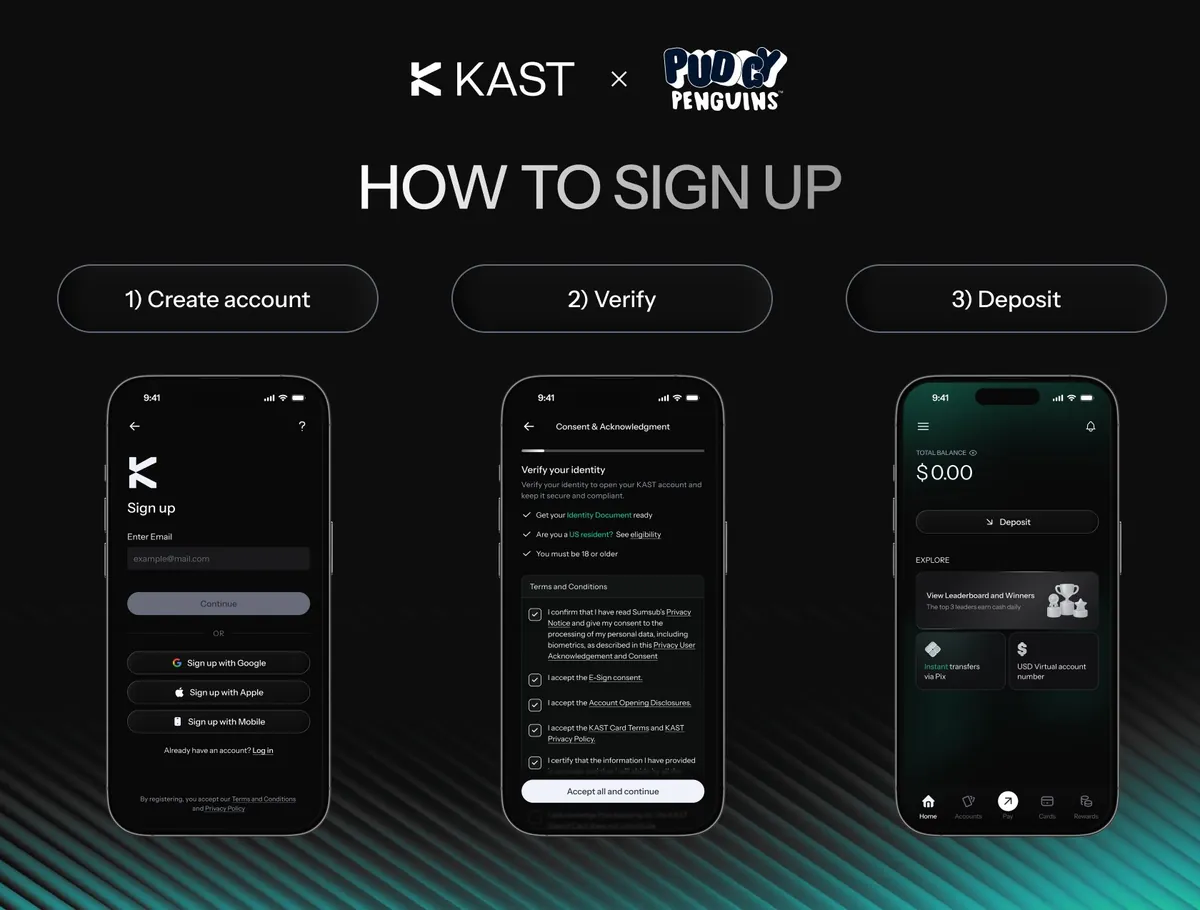
The first time you open KAST, you create an account with email, Apple, Google or a phone number, set a 6-digit PIN and turn on Face ID. A phone number is required either way, and each number can only belong to one account.
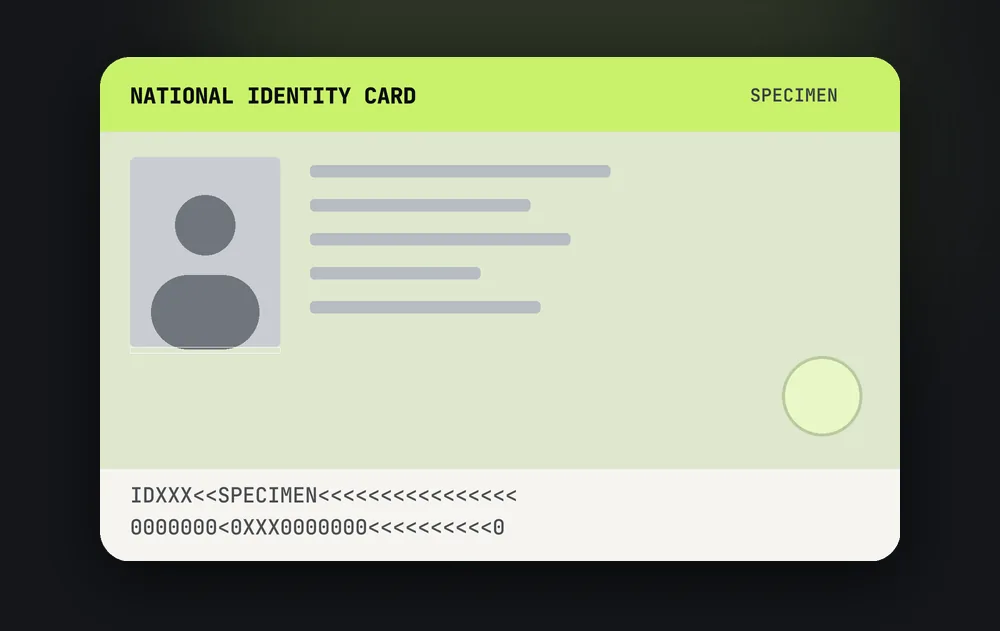
Then comes the ID check: a government ID and a live selfie, usually cleared in 5 to 15 minutes. Our Kast Card sign up page walks through every screen.
Keeping the KAST app updated and secure
KAST updates its app often; version 3.34.1 landed in both stores in early October 2026 with security and product fixes. Turn on automatic updates so you never sit on an old build.
Once you are in, open Account Security and switch on two-factor authentication, biometric login and transaction limits, so any payment above an amount you choose needs a second confirmation. Then fund the account with stablecoins; our Kast Solana Card page covers the cheapest route, and the Kast Card fees page lists what each action costs.
KAST app referral code: 6MHGEMGE
The referral code to use after the KAST app download is 6MHGEMGE. It is free, your fees stay the same, and you get $20 after your first $100 of card spend plus 10% off a paid membership. Download through app.kast.xyz/
If you missed it, add it later under Profile, Account, Referred by. More on our KAST referral code page.
Information only. This site is independent and not operated by KAST. Store details (requirements, version, developer, downloads) from the App Store and Google Play listings and KAST Concierge, checked Oct 2026; they change with app updates. Images: KAST on X and KAST's store listings.